How to Read a Campground Map Before You Book a Site
A campground map tells you where a site sits. The individual site listing tells you what fits there. Use both before you book, especially when you need room for a trailer, two tents, or a vehicle longer than an ordinary parking space.
Start by choosing a loop, then open the listing for a specific site number. A small symbol on the map can represent a back-in driveway, a walk-in site, or a site with a separate tent pad. The details determine what arriving there will actually be like.
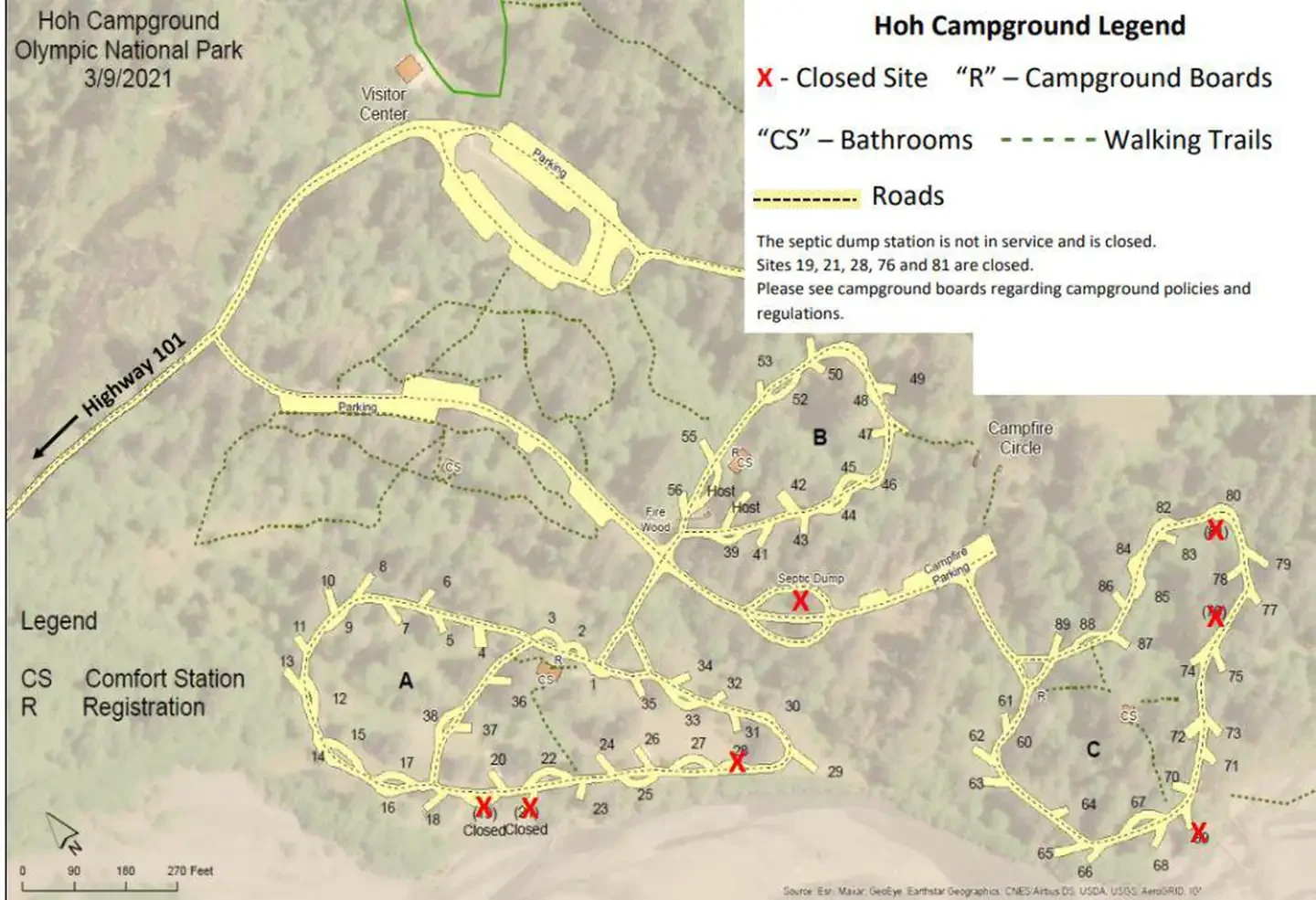
Use the loop map to compare locations
Look for the entrance, restrooms, water points, trailheads, and common areas. If you want a shorter walk to the bathroom, find the nearest path instead of judging only from a straight line. If you want fewer people passing by, see whether the site sits next to a trail crossing or on the way to facilities.
Follow the road around the loop before picking a site. Check which way traffic flows if the map shows arrows, and look at which side of the road the driveway opens onto. A back-in space near a bend can be harder to approach than a similar space on a straight stretch, especially if you are arriving after dark.
Maps vary in scale and detail. A campground photo, accessible route description, or site photo can tell you more about slope, shade, and the distance from the parking spot to the tent pad.
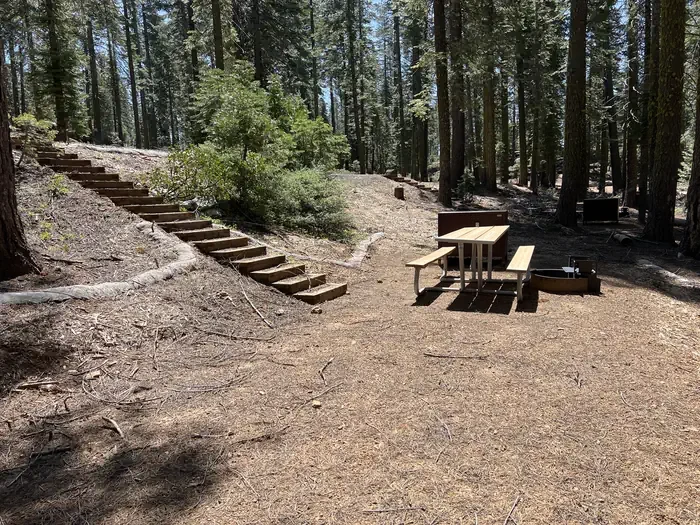
Open the site photos at full size and look past the picnic table. Find the driveway edge, trees or posts near the entrance, and the spot where the ground starts to slope. A photo can also help you see whether opening a side door or setting out a step will put you on level ground.
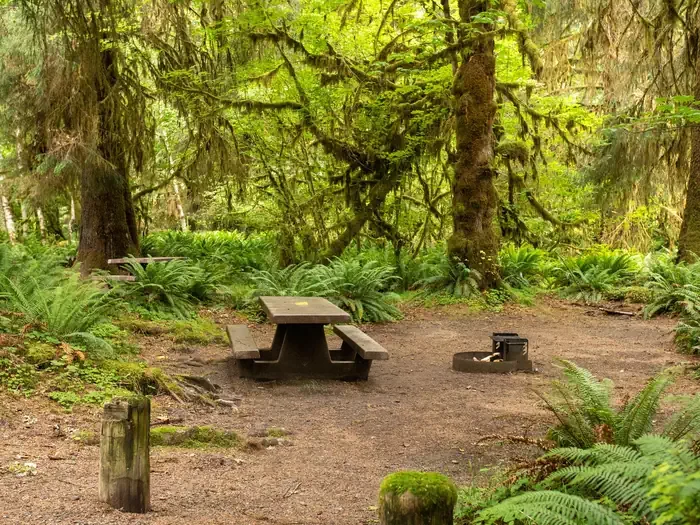
Open the listing and read each size field
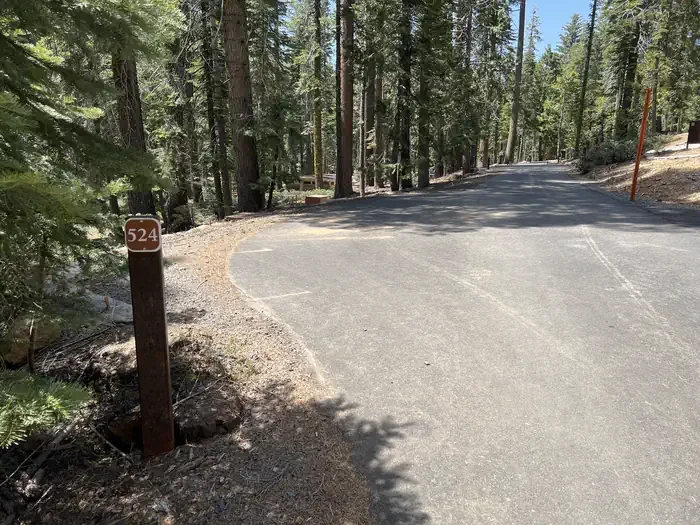
Recreation.gov lists a 17-foot driveway, a 10-by-8-foot tent pad, and back-in access at Hoh Rainforest Site 66. Those numbers describe different parts of the same site. Crane Flat Site 524 in Yosemite has a 25-foot RV limit and a 12-foot trailer limit. Read the line that matches what you are bringing.
For a tent, include the rainfly and room for guylines when comparing the footprint with the pad. Then check what the listing says about the surface and where tents are allowed. An empty-looking patch in the campsite photo may be outside the designated area or too sloped to sleep on.
Check whether a site has hookups, how many vehicles it allows, and whether an extra car can park somewhere else. When a tow vehicle and trailer share the driveway, confirm how the campground applies its length limit to the combination.
Measure the vehicle as it arrives, including a rear bike rack or a hitch carrier that stays attached. If you are towing, write down the trailer length and the length of the full combination before calling the campground. Ask where the tow vehicle goes after you unhitch, because the listing may give a limit for the trailer alone.
Make a short list before booking opens
Save a few sites that work for your setup and dates. Confirm seasonal conditions, access, and rules when you book, especially at a campground with temporary closures. If you are looking at Yosemite, our camping reservation guide covers the next step.
Download the loop map and save the individual site number before leaving home. If your first choice is booked, you will already know which alternatives have the space and access you need. On arrival, the same map helps you find the right turn without circling the campground looking for a small number on a post.
Check the official campground page close to departure as well. A reservation tells you which site you have, but a road alert or seasonal notice may affect the route, the water supply, or the services you were counting on.


COMMENTS
Please note that all comments will be checked by our team before being approved.